

With the development of technology, more and more home products are becoming smarter. The most obvious one is the smart lock. When using the smart lock, you should remember the password. However, sometimes you will inevitably forget the unlock password. Today, I will introduce to you how to solve the problem of forgetting the password of the smart door lock.
1. What to do if you forget the password of the smart door lock
The smart lock has an administrator password. If you forget both the unlock password and the administrator password, the smart lock will initialize the smart lock.
The initialization button is on the inside of the battery box. Press it for 3-5 seconds to reset the smart lock, and then reset the password and fingerprint.
Most smart locks are now very smart and have voice prompts. Just follow the voice prompts.
If you still don't know how to operate, you can also contact after-sales for guidance.
1. Users need to operate according to the instructions of the smart lock brand you purchased
When you find the management password of the smart lock and enter the management password of the smart lock, you will enter the management mode.
2. You can judge by the sound when operating
Press the power button at the bottom, press the "*" key three times in a row, and stop when the buzzer of the smart lock beeps for a long time.
3. The premise of changing the password is to enter the old password.
The user needs to enter the old password and press the "#" key to confirm. When the buzzer beeps for a long time, it stops and the LED light flashes.
4. Proceed to the next step according to the voice of the buzzer.
The user sets a new password according to the voice prompt of the smart lock and presses the confirmation key to confirm.
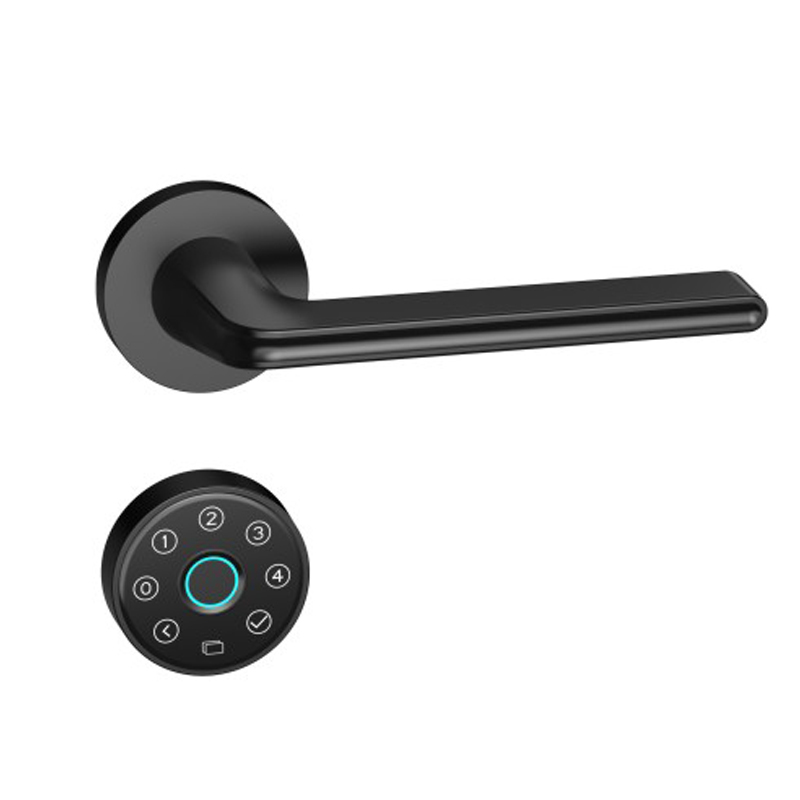
5. Make the password more complicated when changing the password again.
Try not to make the password too simple to avoid being guessed by others. At the same time, you also need a password that you can remember, otherwise forgetting the password is also a troublesome thing.
6. If the user can continue other operations, return to the management mode interface and perform the corresponding operations according to the voice prompts. If you do not continue to operate, or wait for more than 10 seconds to exit automatically.
7. Reconfirm whether the door can be opened and closed.
Although the smart lock password has been changed successfully, you must also make sure whether the password you changed can successfully open and close the door. This is also very important!